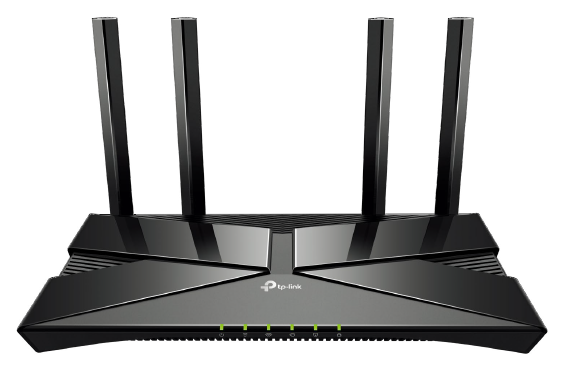
| Method-2: Using a mobile app for router settings
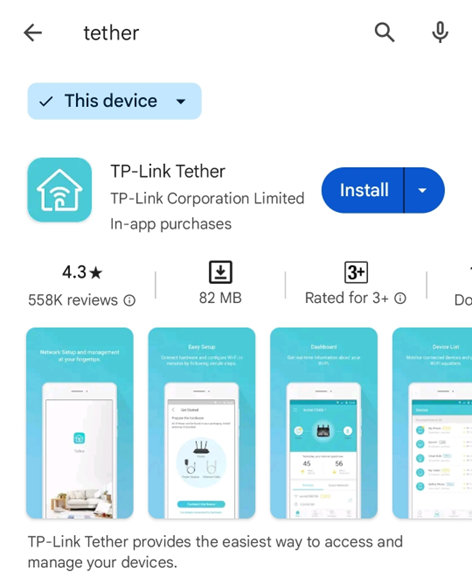
Step-1. Install [TP-Link Tether] on your mobile
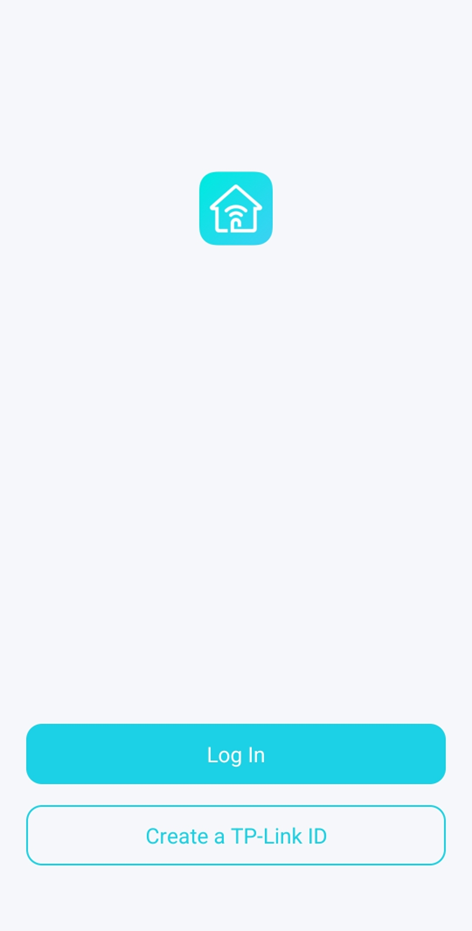
Step-2. Log in or Create a TP-Link ID
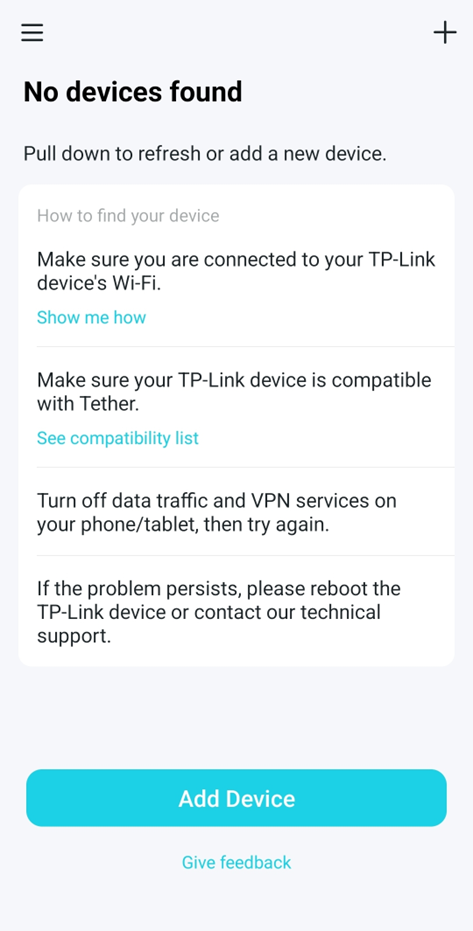
Step-3. Add Device
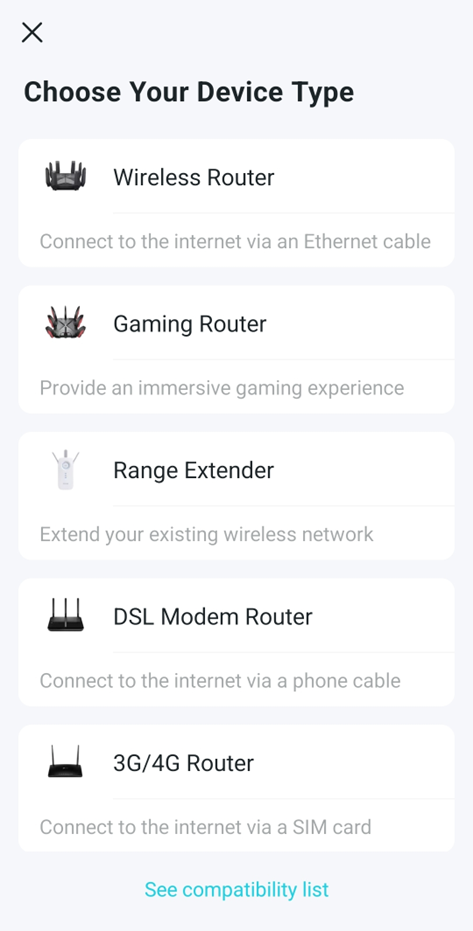
Step-4. Choose Your Device Type: Wireless Router for AX1500
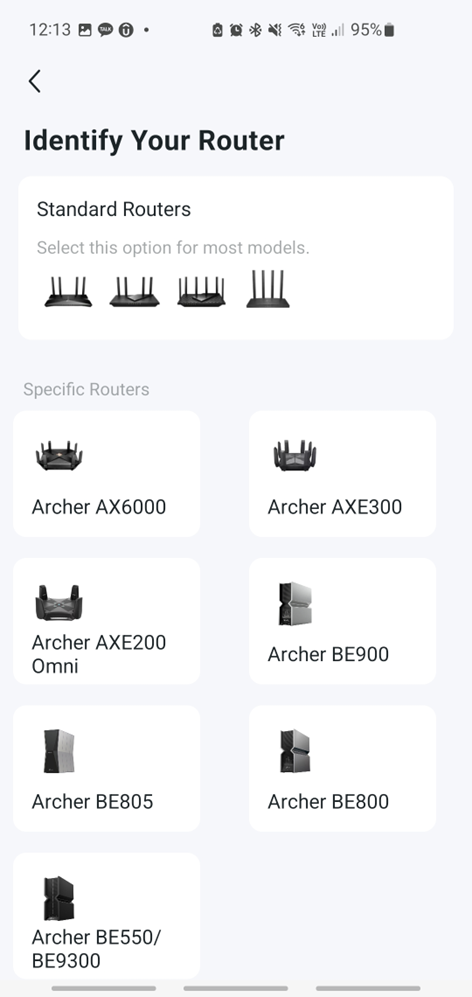
Step-5. Identify Your Router: Standard Routers for AX1500
Step-6. Prepare the hardware
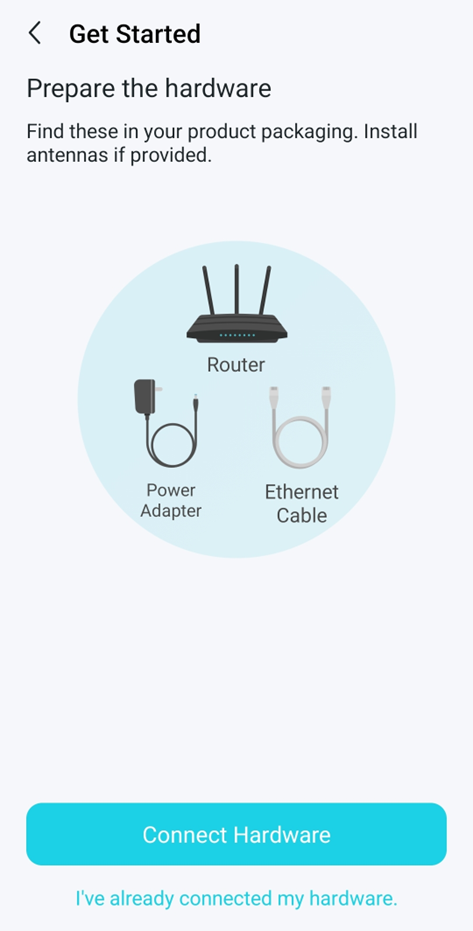
Step-7. Connect Hardware
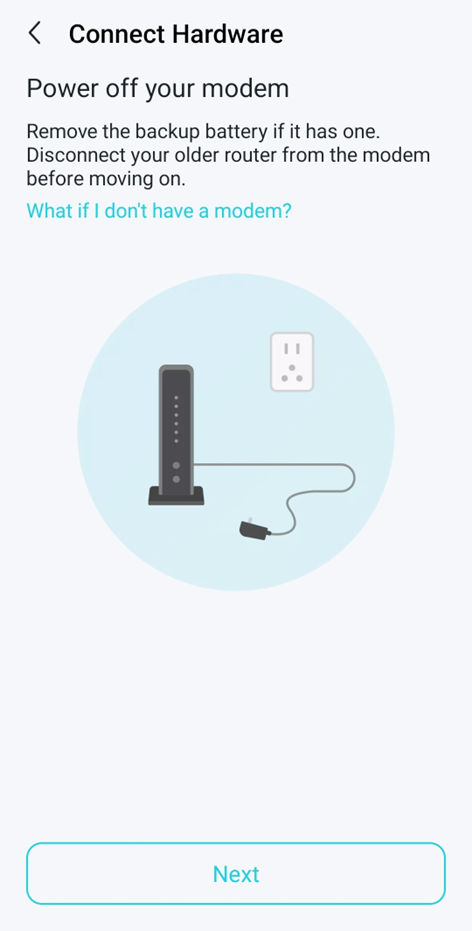
(1) Power off your modem (ONT)
Note that the modem means the Optical Network Terminal (ONT) device, known as a fibre box.
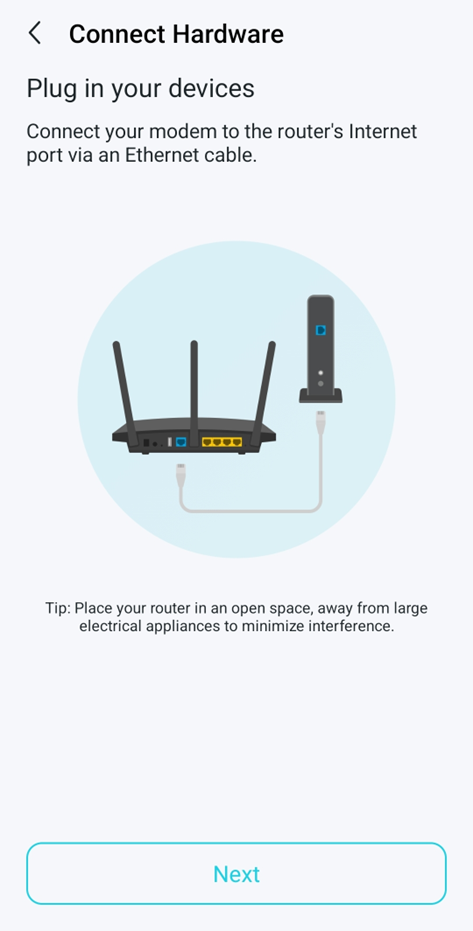
(2) Plug in your devices
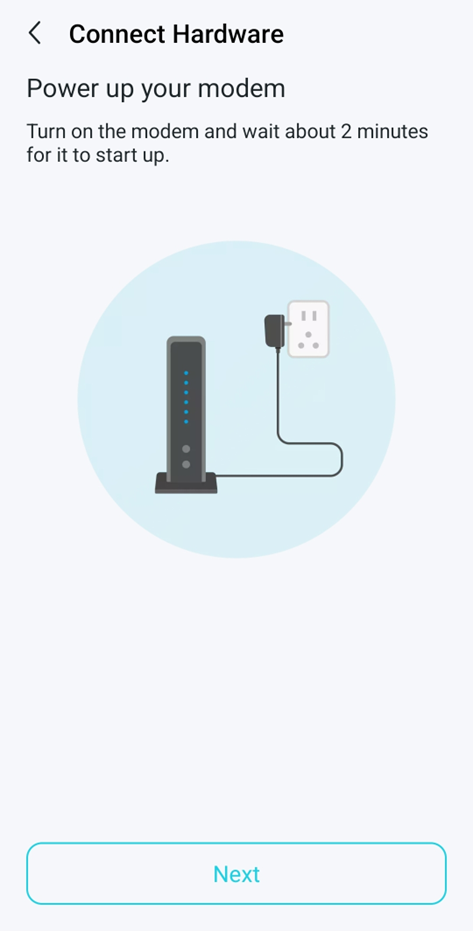
(3) Power up your modem (ONT)
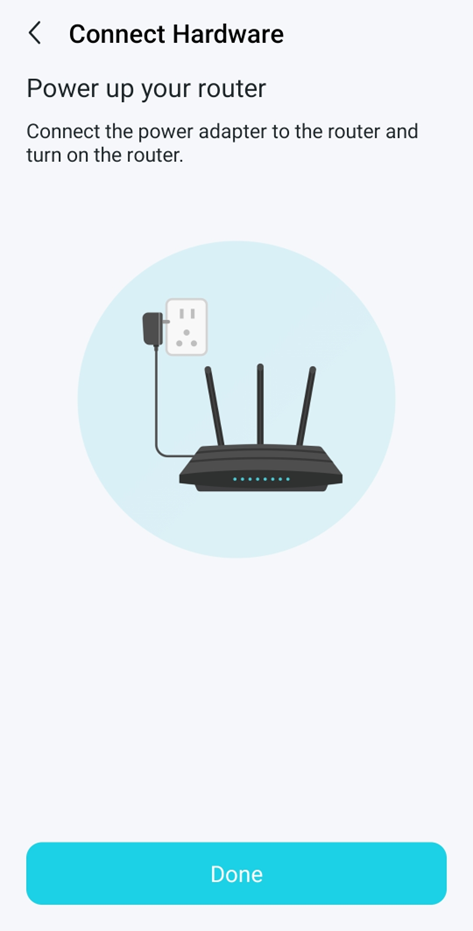
(4) Power up your router
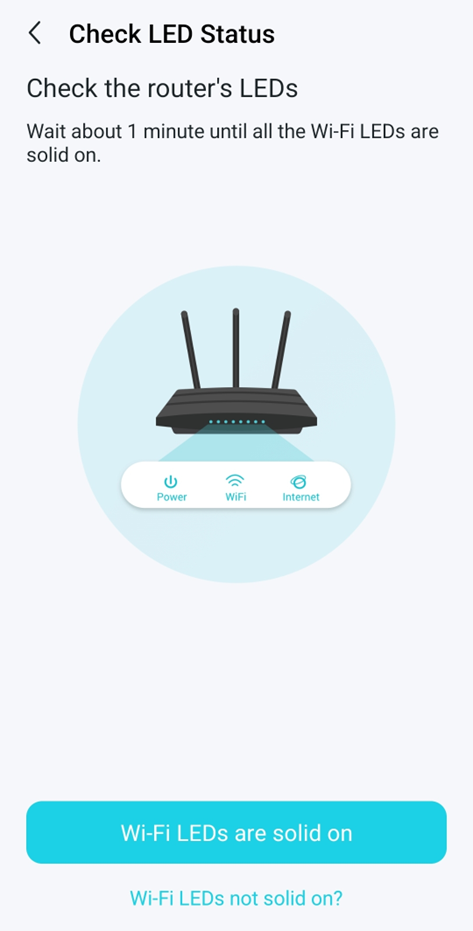
Step-8. Check LED Status
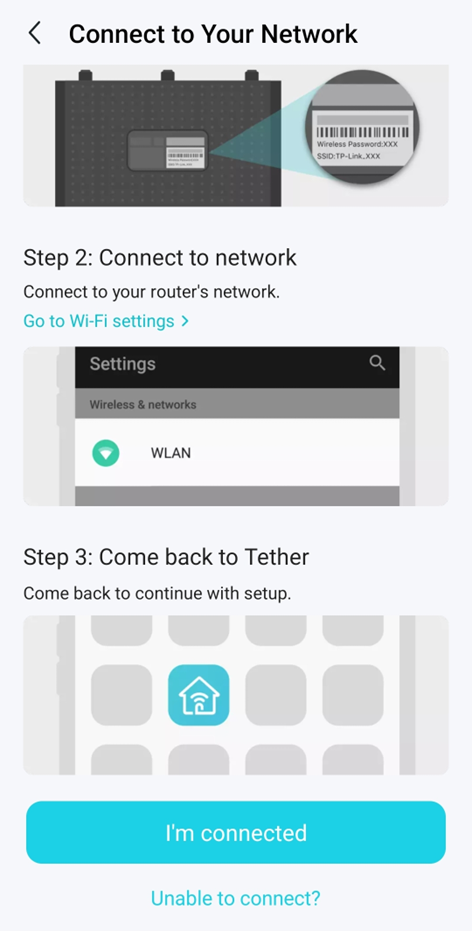
Step-9. Connect to Your Network