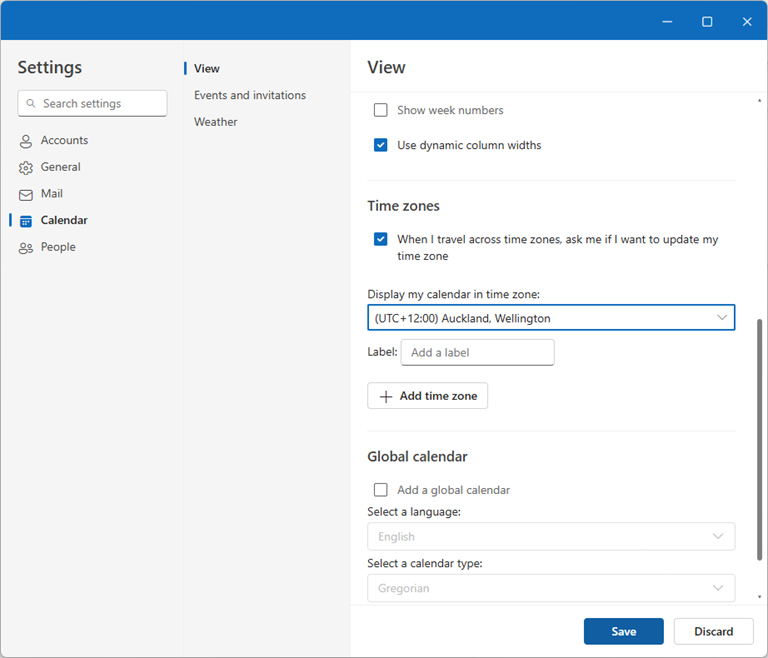
| Problem:
If you’re having trouble sending emails in Outlook and receive an error message like “We couldn’t deliver your message,” follow these troubleshooting steps to resolve the issue.
Step 1: Verify SMTP Configuration
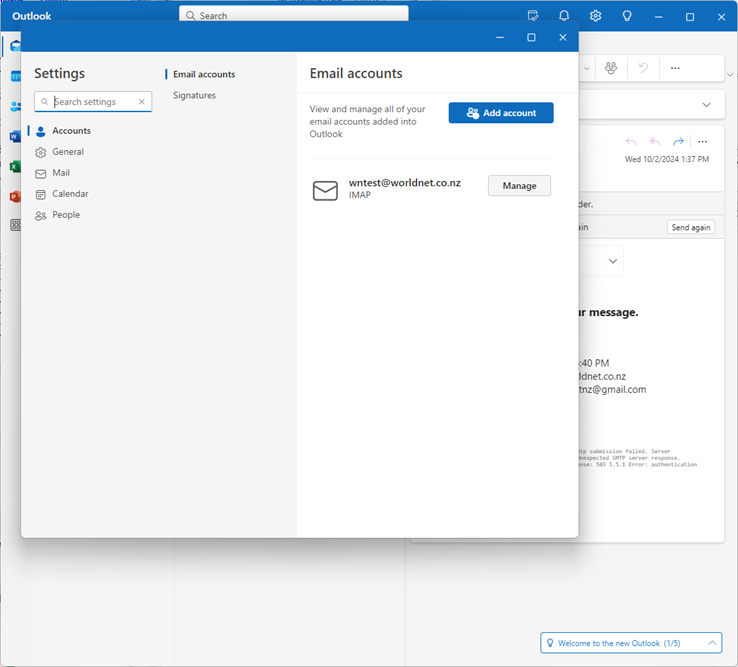
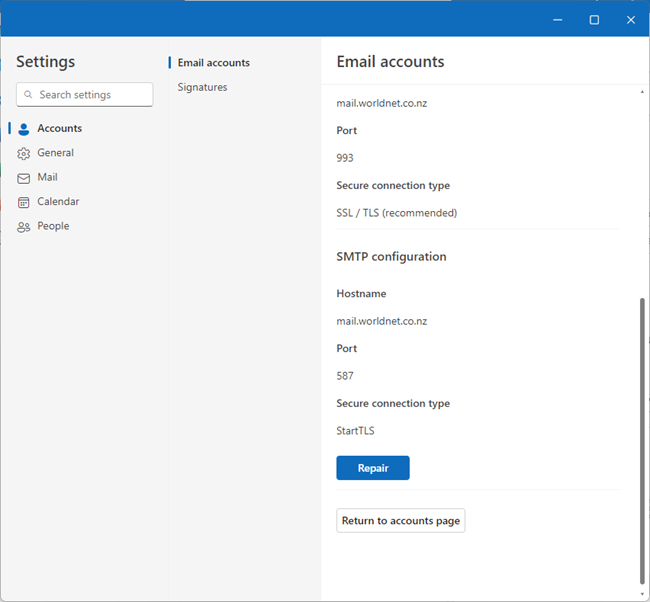
Open Settings: Go to the Outlook settings menu.Manage Account: Click on Manage under your email account settings.Scroll and Repair: Scroll down to the bottom and click on Repair.Update SMTP Server:
- Input your password as required.
- Navigate to the SMTP server settings and change the outgoing server:
- Old Server:
smtp.worldnet.co.nz - New Server:
mail.worldnet.co.nz
- Old Server:
- Save and confirm these changes.
Step 2: Test Email Sending
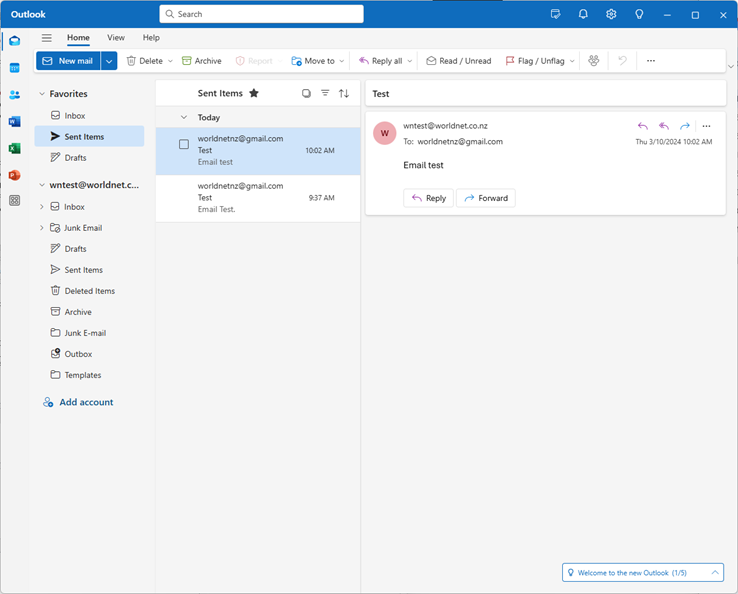
Compose a New Email: Click New Mail and draft a test message.Send the Email: Check if the email is sent successfully. If it does, your issue is resolved.
Additional Notes:
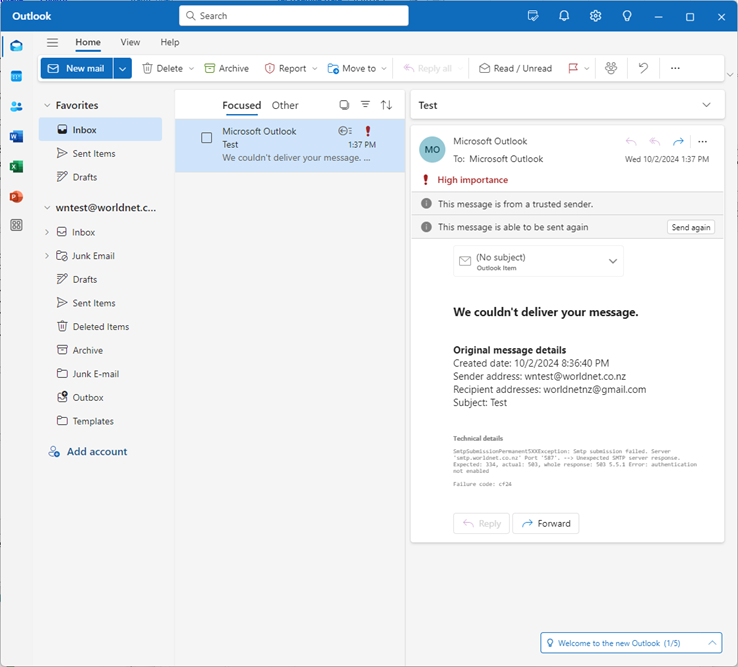
Time Zone Configuration: If you notice that your Outlook time zone is incorrect, this may cause delays or issues with email timestamps. Adjust the time zone in your settings if necessary, ensuring it matches your local time (e.g., Auckland, Wellington Time if applicable).